

January 29, 2025
Share this page


Best laptops for high school students: Buying guide
Choosing the right laptop for high school helps set up students for success. From homework and research to streaming, light gaming, and staying connected with friends, the right laptop can make school life smoother and more productive. And if you want a device that’s smart, secure, and future-ready, a Microsoft Surface Laptop tops the list.
Surface Laptops are the fastest, most intelligent Windows PCs ever. By combining sleek design, portability, and performance with built-in tools like Microsoft Copilot, your AI companion, Surface Laptops are ideal for students who expect more.
Key factors to consider
When choosing the best laptop for high school students, keep these essentials in mind:
- Performance: Look for speed and multitasking power. Surface Laptops deliver next-level AI performance for schoolwork, streaming, and collaboration.
- Battery Life1: Look for a laptop that lasts through a full school day without charging. Surface Laptops are designed for all-day performance, so students can stay productive anywhere.
- Portability: Lightweight and durable designs make Surface easy to carry in a backpack.
- Connectivity: Surface Laptops include next-generation options like Wi-Fi 7 and USB4 ports for ultra-fast connections and versatile accessory support.
- Budget: While affordability matters, investing in a device that lasts through high school and beyond is a smart investment. When considering affordable laptops for students, know that Surface is built to evolve and designed to adapt while offering options for different budgets.
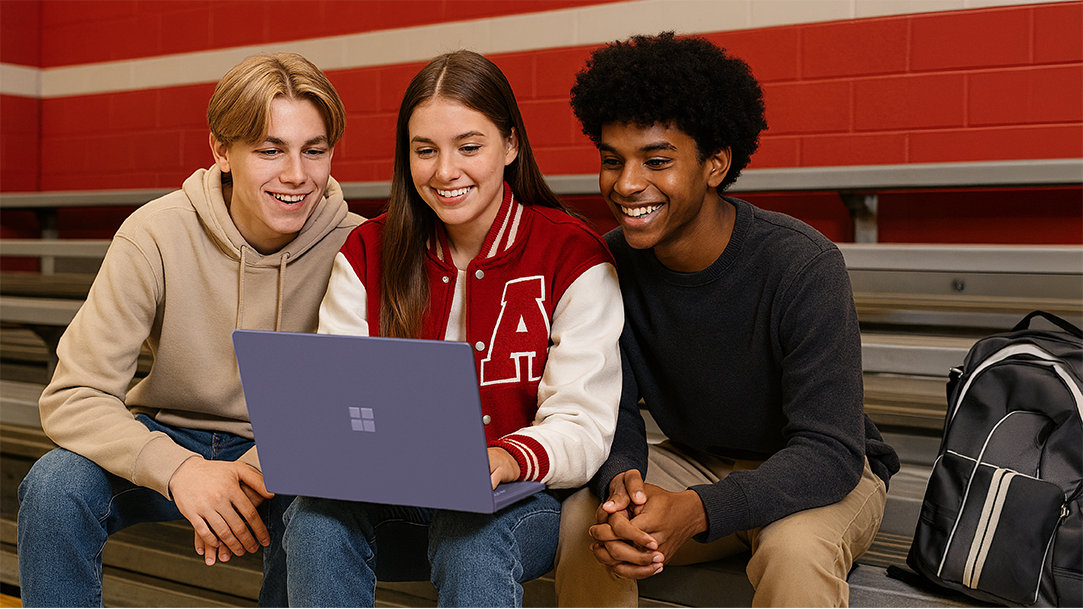
AI Art Created via Copilot
Recommended specs for high school students
Most laptops today deliver what many consider a “good enough” setup: a mid-range processor, 8GB of RAM, a 256GB SSD, and a Full HD screen between 12 and 15 inches—all under four lbs. That works for basic tasks, but why stop there when you can unlock so much more?
Surface Laptops go beyond the basics with PixelSense™ touchscreens, vibrant colors, and built-in AI features that make organizing your schedule, tackling research projects, and unleashing creativity easier than ever. Plus, Surface Laptops are lightweight, powerful, and stylish—ideal for high school life.
The specs that make a difference when you’re juggling classes and life include:
- Lightweight design: Starts at just 2.7 lbs3, so, it won’t weigh you down when you’re running from math class to choir practice.
- AI features: Your built-in study buddy! Use Microsoft Copilot (your AI assistant) to summarize notes, brainstorm ideas, and plan your day. Built-in AI experiences4 like Recall help you find past work fast, and Cocreator help make your projects look amazing.
- Copilot key: Built-in keyboard with a designated Copilot key2, so your AI companion is right at your fingertips.
- Battery life: Up to 23 hours of video playback, which keeps up with you during back-to-back classes, after-school activities, and late-night study sessions.
- Screen sizes: Three slim, portable options that fit easily in your backpack. Pick the size that fits your style: the 13-inch for maximum mobility, 13.8-inch for a little extra space without bulk, or 15-inch for a roomy workspace when you’re multitasking or creating.
- Performance: Powered by the latest Snapdragon® X Series processors, so it’s turbocharged for streaming, editing videos for a project, or running multiple apps at once.
- Memory and storage: Up to 64 GB RAM and 1 TB SSD to give you plenty of space for homework, photos, playlists, and creative projects without slowing down.
- Style: Sleek 100% recycled aluminum alloy enclosure5 with a choice of stylish colors to match your vibe. Built with sustainability in mind, Surface Laptops look good and feel good too.
Tips for parents
Choosing the right laptop for your high school student means thinking about reliability, safety, and long-term value. Here’s what matters most—and how Surface Laptop delivers.
Warranty and insurance options
School life can be unpredictable. Spills, drops, and accidents happen. Extended coverage is worth considering. With Microsoft Complete, Surface Laptop offers accidental damage protection and extended warranty options, helping you avoid surprise repair costs and keeping your student’s laptop ready for class.
Parental Controls and security
Online safety is just as important as performance. Surface Laptops are engineered to protect you at every level.
Surface Laptops include Microsoft Family Safety in Windows 11, so you can set screen time limits, filter content, and monitor activity from your phone.
With uncompromising chip-to-cloud security, Surface Laptops provide world-class security across multiple layers including hardware, firmware, software, application, and identity. Built-in security features like Windows Hello and device encryption add extra protection without extra subscriptions.
Balancing cost vs. longevity
Lower-cost PC laptops often need to be upgraded or replaced sooner. Surface Laptop is designed to go the distance through high school and beyond with durable, premium components and long battery life1. Combined with Snapdragon® X Series performance, generous storage, and AI-powered tools like Copilot, Surface Laptop is a smart investment that stays fast and useful for years.
Ready to decide?
The right laptop can make a big difference in a student’s high school experience. When choosing a laptop, focus on what matters most, such as reliable performance for multitasking, battery life that lasts through the school day, portability for life on the go, and security for peace of mind.
Surface Laptops bring these essentials together with speed, security, and AI tools delivered in a durable, sustainable design built to last.
Every student learns differently, and every family has a budget to work with. The key is finding the right balance in a laptop that fits your student’s needs without stretching your budget too far. Whether portability, a bigger screen, or advanced AI features matter most, choose a laptop designed to adapt to your student throughout high school and evolve with your student beyond graduation.
Explore Surface Laptops and find the right fit for your student and your budget.
- DISCLAIMER: Features and functionality subject to change. Articles are written specifically for the United States market; features, functionality, and availability may vary by region.
- [1] Battery life varies significantly based on device configuration, usage, network and feature configuration, signal strength, settings and other factors. See Surface battery performance for details.
- [2] Use Copilot key with supported Windows 11 devices; feature availability varies by device and market, see aka.ms/KeySupport.
- [3] Might vary depending on manufacturing processes.
- [4] Copilot+ PC experiences vary by device and market and may require updates continuing to roll out through 2025; Recall and Click to Do will be coming to European Economic Area later in 2025. See aka.ms/copilotpluspcs
- [5] Enclosure includes A Cover, C Bucket and D Cover. 100% recycled aluminum alloy in A Cover and C Bucket. 100% recycled rare earth metals in magnets. Based on validation performed by Underwriter Laboratories, Inc. using Environmental Claim Validation Procedure (ECVP) for Recycled Content, UL 2809-2, Second Edition, November 7, 2023.
Mentioned in this article

Compare Surface Copilot+ PCs
You may also like

The differences between Surface Laptop and Surface Pro from Microsoft

Why a Microsoft Surface is the best Copilot+ PC experience
